

Hidden Wiring Problems That Strangle Your Wi-Fi Speed
Slow streaming, glitchy video calls, and spinning wheels on your TV are not always the fault of your internet provider. Many homes and businesses find that the real problem sits quietly in the walls, ceilings, and cupboards: their data cabling. When the wiring is wrong, your Wi-Fi never really has a chance, no matter how good your modem or fibre plan is.
Data cabling is the network of cables that carries data around your home or office. It feeds your modem, routers, access points, smart TVs, and computers. In modern New Zealand buildings, it matters just as much as power wiring. As electricians who work across Auckland, Franklin, and Waikato, we see the same hidden cabling issues over and over again, especially once everyone heads indoors and starts using more devices at the same time. Below we walk through the common problems, how they hurt your Wi-Fi, and what you can do before your next busy season hits.
How Old or Mixed Cabling Slows Modern Wi-Fi
A lot of Auckland homes and offices still run on old or mismatched data cabling. You might see:
- Older Cat5 cables that were fine for basic internet but struggle with high-speed fibre
- Cheap, thin patch leads that came free with a modem
- Old phone cables that someone has reused for data
On paper, your new router and fibre connection look great. In real life, the signal has to travel through that mix of cabling before it reaches your Wi-Fi access point or TV. The result is a network that looks fast at the modem, but turns sluggish by the time it reaches the rooms you actually use.
Common signs of underspec or mixed cabling include:
- Speed tests that look good right next to the modem but drop off in other rooms
- Wi-Fi that feels fine for one person, but crawls when the family or team logs on
- File transfers between devices that take much longer than they should
Modern cabling, such as Cat6 installed properly by a certified electrician, can carry higher speeds more reliably over longer distances. That means your Wi-Fi gear and wired devices can actually run at the level they were designed for. Upgrading is not just about speed either. There are safety and compliance rules around how low-voltage data cabling runs alongside power, through ceilings, and into outlets. A professional data cabling service in Auckland helps make sure your network is safe as well as fast.
Poor Cable Layout and Devices in the Wrong Spots
Even good cable can cause problems if it is run the wrong way. The physical path matters more than many people think. Sharp bends, tight cable ties, and cables crushed behind heavy furniture or ceiling tiles can all damage the cable pairs inside. Once those tiny copper pairs are distorted, performance drops.
Interference is another big issue. Data cables do not like sitting right next to:
- Power cables, especially for long runs in parallel
- Fluorescent lighting and transformers
- Heat pumps and other high-load electrical gear
When data and power sit too close for too long, you may see random dropouts, stuttering video, or Wi-Fi that feels fine one minute and terrible the next.
Badly placed data outlets also push people to put their modem or router in the worst possible spots, such as:
- A cupboard full of other gear
- A metal rack or cabinet
- A far corner of the house or office
Wi-Fi does not spread well from inside a cupboard or behind a TV. We often see renovation work where someone added a home office, rumpus room, or extra bedroom, but no one rethought the data layout. The result is patchwork cabling and dead spots that then get "fixed" with a stack of cheap extenders. A simple, thoughtful cabling design can reduce how many extenders you need and give you a cleaner, more stable network.
Cheap Components and Messy Terminations That Kill Speed
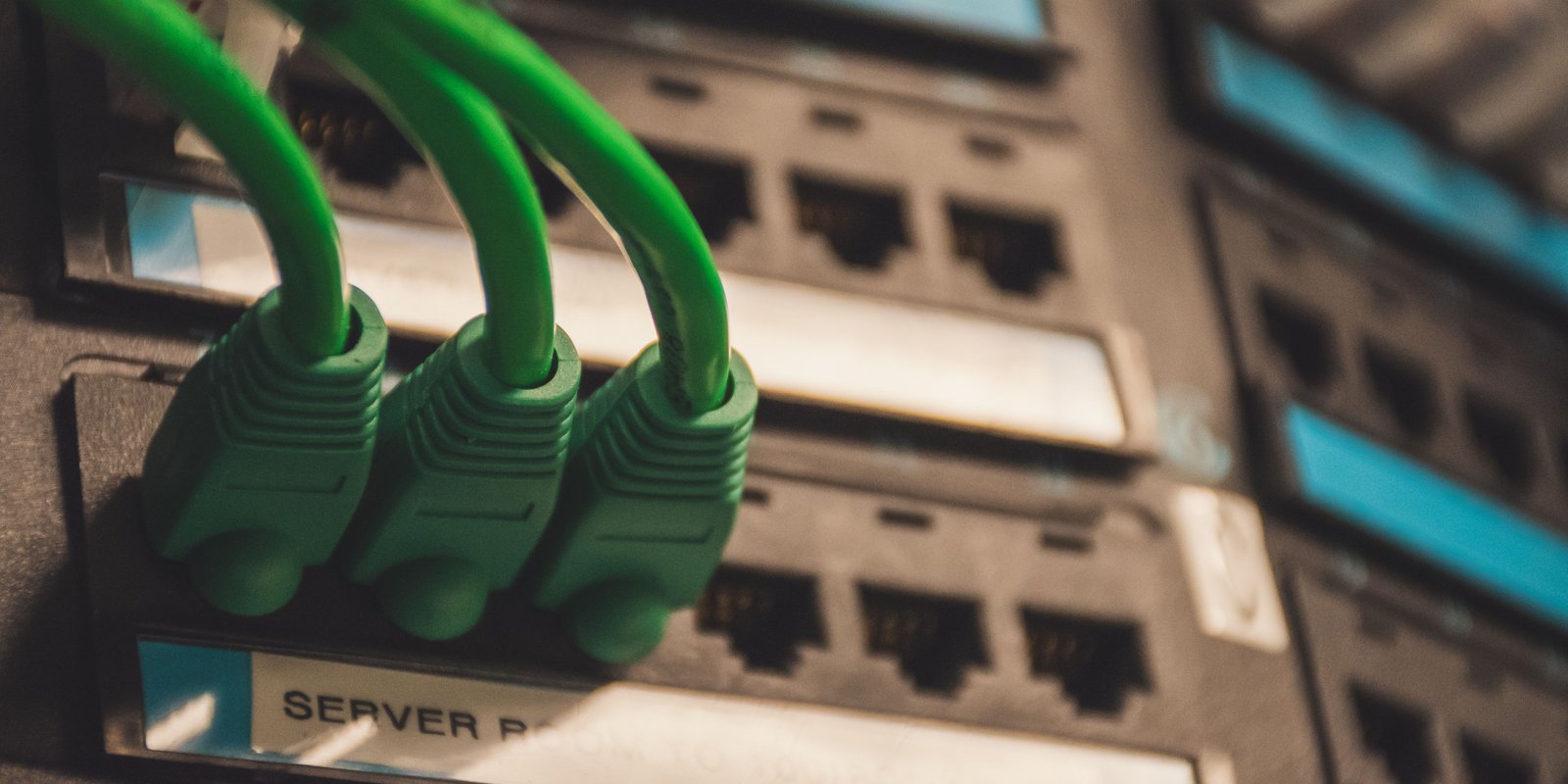
You can have good main cables in the walls and still end up with slow or flaky Wi-Fi if the small parts at the ends are poor quality. Weak points often include:
- Low-grade patch panels
- Off-brand wall jacks
- Flimsy patch leads that do not meet the same standard as the fixed cabling
The way cables are terminated makes a big difference too. If the pairs are untwisted too far, or the wiring order is inconsistent from one end to the other, you can get:
- Packet loss and random dropouts
- Strange speed dips at busy times
- Ports that only work "sometimes" or only at lower speeds
Moisture and temperature changes can also expose weak spots. Cables running through lofts, underfloors, or garages can be hit by cold, damp air. Cheap connectors and joins are more likely to corrode or loosen, which leads to intermittent faults that are hard to track down.
Typical signs of poor terminations include:
- A socket that works fine one day and fails the next
- Very slow file transfers between devices on the same network
- Devices that regularly drop off the network for no clear reason
Professional data cabling in Auckland involves the right tools to test each point properly. Certification reports can show that a cable run meets the standard it is meant to, from one end to the other, not just "seems to work for now".
When Your Building Fights Your Wi-Fi Signal
Your building itself might be working against your Wi-Fi. Kiwi homes and commercial spaces often use materials that block or bounce wireless signals, such as:
- Concrete block or tilt-slab walls
- Steel framing and beams
- Double glazing with metal coatings
If you rely only on one Wi-Fi router in a tricky building, you are likely to see weak coverage, especially when everyone is indoors streaming, gaming, or working from home. The solution is often to use smart cabling, not just more wireless.
By running data cabling to multiple access points, smart TVs, and key workstations, you build a solid wired backbone. Wi-Fi then only has to cover short distances from each access point to nearby devices. This is particularly important for:
- Multi-storey homes where the router sits in a corner on the ground floor
- Long, narrow buildings where signal has to travel through several walls
- Offices with separate meeting rooms and open-plan areas
A tailored cabling plan by an experienced electrician can also allow for future growth. That might mean extra data points ready for more devices, space for smart home systems, or network links near areas that could later host EV chargers or other connected gear.
Simple Checks Before You Call a Data Cabling Expert
There are a few easy checks you can do to get a feel for where your bottlenecks sit. Try this quick list:
- Test your internet speed right next to the modem, then in other rooms
- Plug a device in with a wired connection and compare it with Wi-Fi
- Swap out any very old or damaged patch leads
- Note when slowdowns happen, such as certain times of day or when heaters and appliances are running
You can also do some basic tidying:
- Gently straighten obvious kinks in loose patch leads
- Avoid running temporary leads over heaters or sharp edges
- Move the modem or router out of cupboards or behind big TVs if possible
If you are seeing frequent dropouts, speeds that jump around for no clear reason, or you are planning a renovation or office move, that is usually the point where a professional check is worthwhile. For many homes and businesses around Auckland, Franklin, and Waikato, a site visit can pick up cabling, power, heat pump, and data layout issues all at once, so your network is ready before the next big spike in use.
Get Started With Your Project Today
If you are planning an upgrade to your network or setting up a new workspace, our team at Amps Electrical can design and install reliable data cabling in Auckland tailored to your needs. We work closely with you to understand your layout, future growth and performance requirements so your cabling is done right the first time. To discuss your project or request a quote, simply contact us and we will be in touch promptly.
FAQ
Can old or mixed cabling really affect Wi-Fi speed?
Yes. Older Cat5 cables, reused phone cables, and cheap patch leads can slow down the connection between your modem and Wi-Fi devices, causing dropouts, weak speeds in other rooms, and poor performance when multiple people are online.
Why does Wi-Fi still perform badly even with a good router and fibre plan?
Because the signal still has to travel through your building's cabling before it reaches access points, smart TVs, and computers. If that cabling is outdated, damaged, or badly installed, your network can feel slow even when the modem itself tests well.
What kind of cable layout problems can reduce performance?
Sharp bends, tight cable ties, crushed cables, and running data cables too close to power lines, lighting, transformers, or heat pumps can all damage performance and lead to interference, random dropouts, and unstable Wi-Fi.
Can poor-quality parts at the ends of the cables cause issues too?
Yes. Low-grade patch panels, off-brand wall jacks, and flimsy patch leads can all become weak points. Messy terminations, inconsistent wiring order, and untwisted pairs can cause packet loss, strange speed dips, and unreliable ports.
Does the building itself make Wi-Fi worse?
Often, yes. Materials like concrete block walls, steel framing, beams, and double glazing with metal coatings can block or reflect wireless signals, making it harder for one router to cover the whole space properly.
What simple checks can I do before calling an expert?
You can test speed beside the modem and in other rooms, compare wired and Wi-Fi performance, replace damaged patch leads, note when slowdowns happen, straighten obvious kinks, and move the router out of cupboards or from behind large TVs.
When should I get a professional data cabling inspection?
If you have frequent dropouts, speeds that vary for no clear reason, or you are planning a renovation or office move, a professional check can help identify cabling, layout, and interference issues before they become bigger problems.